One projectworkspaces8+ modesto create

Move from first thought to finished work without rebuilding context.The mode changes; your memory, files, assets, and decisions stay.

The workspace changes.
The work stays.

Each mode is a purpose-built view of the same project. Carry the brief, sources, decisions, assets, design rules, and memory forward.

  1. 01

    Choose

    Open the surface that fits the job.

  2. 02

    Make

    Use focused tools with context in reach.

  3. 03

    Hand off

    Send the result onward with intent intact.

  4. 04

    Reuse

    Keep the decision and workflow ready.

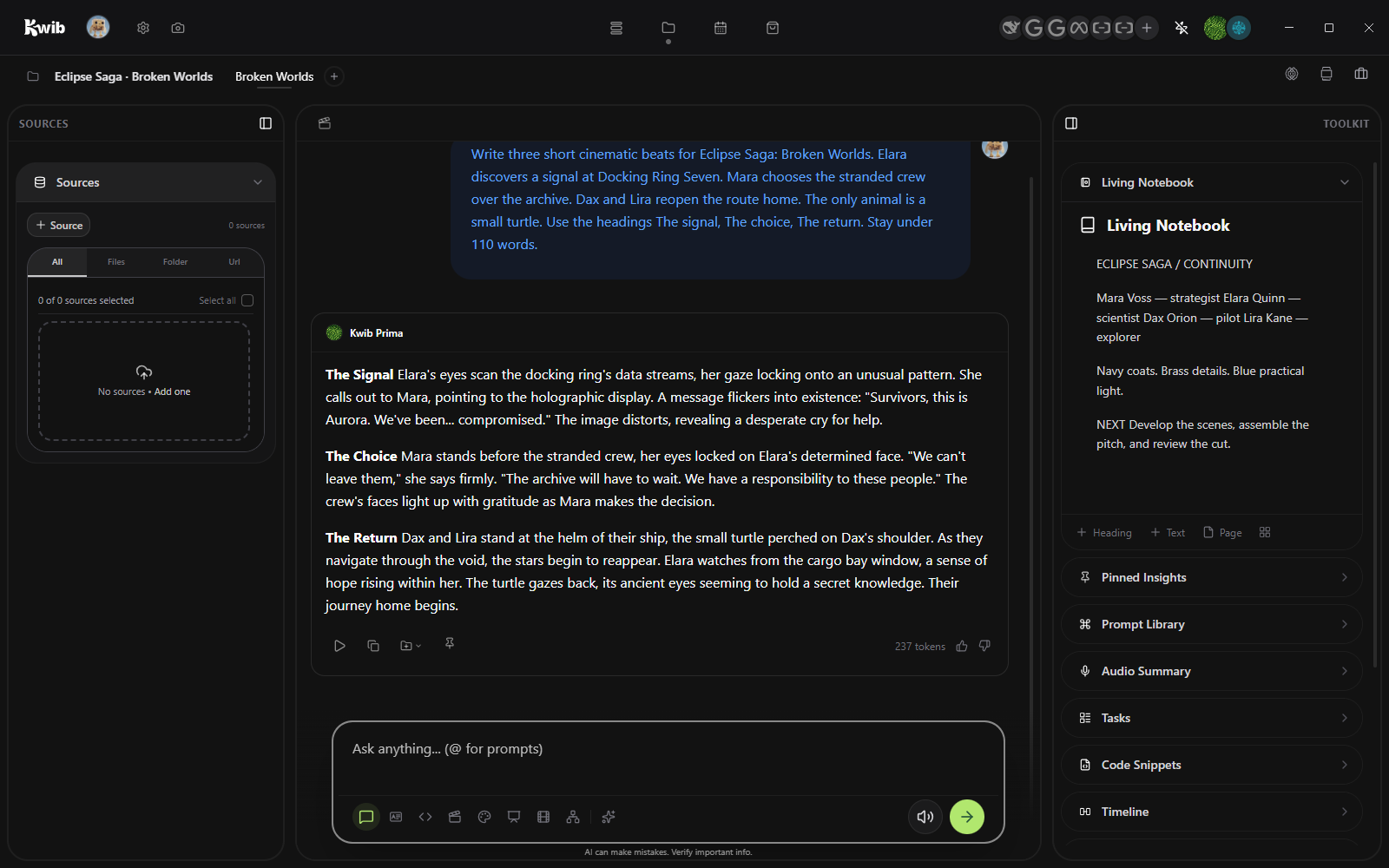
General Chat

The brief, sources, and workspace memory already in the project. Pin and save the info you want.

Opening Chat

Loading this project and its tools.

ProjectLoading contextChatOpening surface.memoryLoading decisions
Kwib Chat showing an actual local Llama 3.2 response to the Memory as Shelter prompt
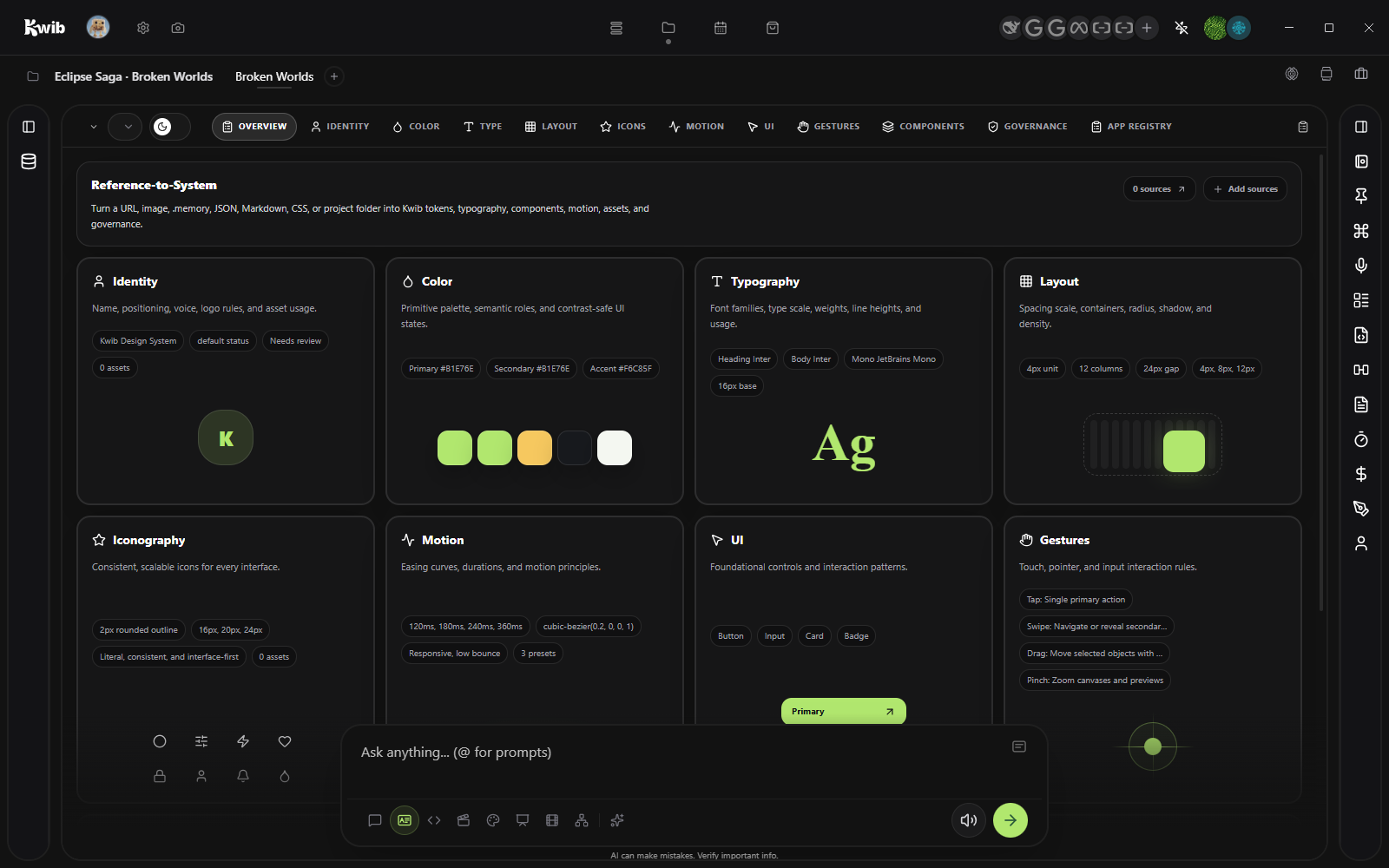
Design System

Build the visual language once, then carry it into the site, the film, and the deck. Making project consistency easy.

Opening System

Loading this project and its tools.

ProjectLoading contextSystemOpening surface.memoryLoading decisions
Reference-to-System input with sources and Add sources controls
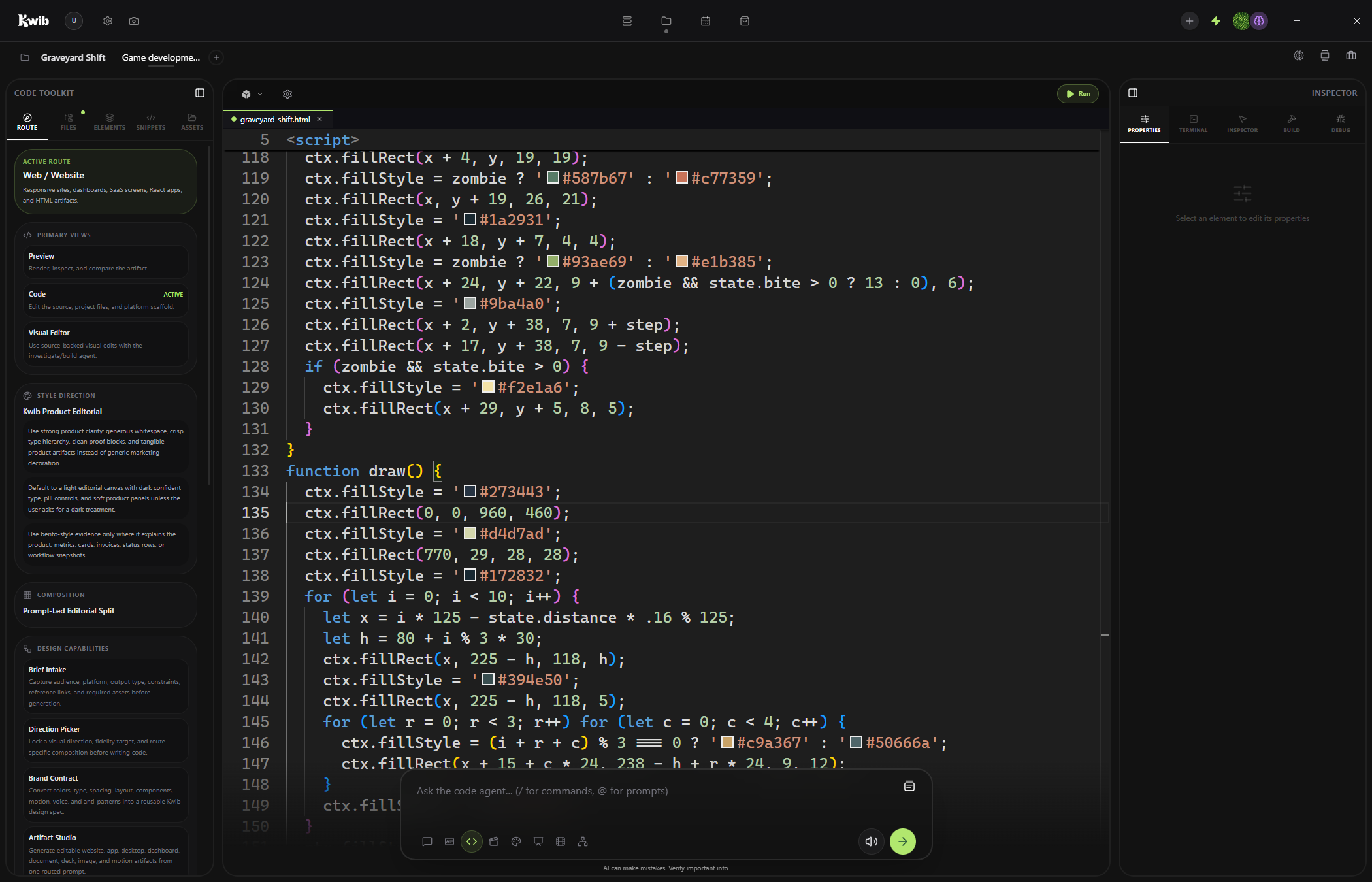
Code

Build and play in the same workspace. These zombie games were made in Kwib, with the live preview and visual inspector beside the work.

Opening Code

Loading this project and its tools.

ProjectLoading contextCodeOpening surface.memoryLoading decisions
Graveyard Shift’s source code open in Kwib
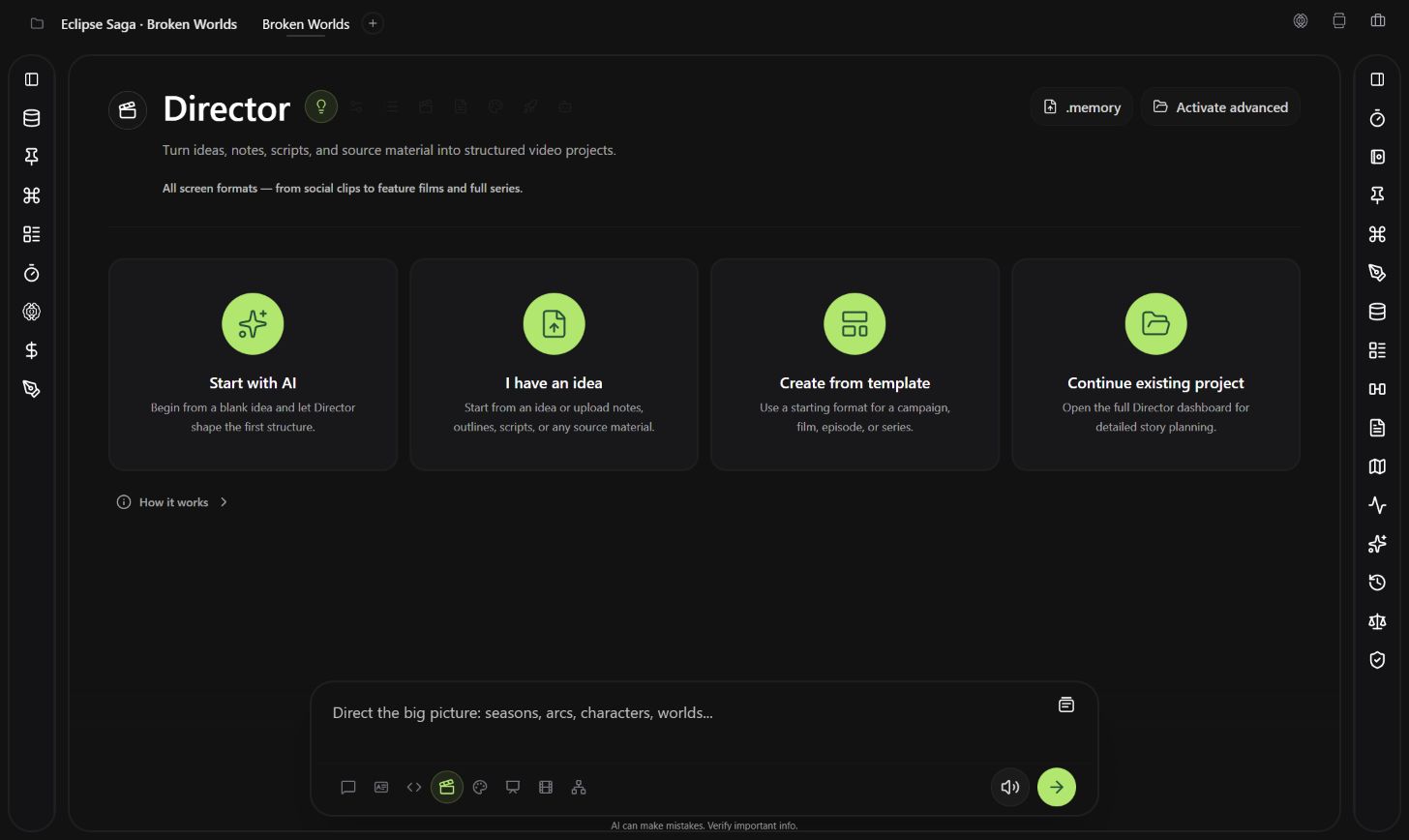
Director

Shape the story, shots, characters, worlds, and continuity before production begins.

Opening Director

Loading this project and its tools.

ProjectLoading contextDirectorOpening surface.memoryLoading decisions
Director start screen with four cards: Start with AI, I have an idea, Create from template, and Continue existing project
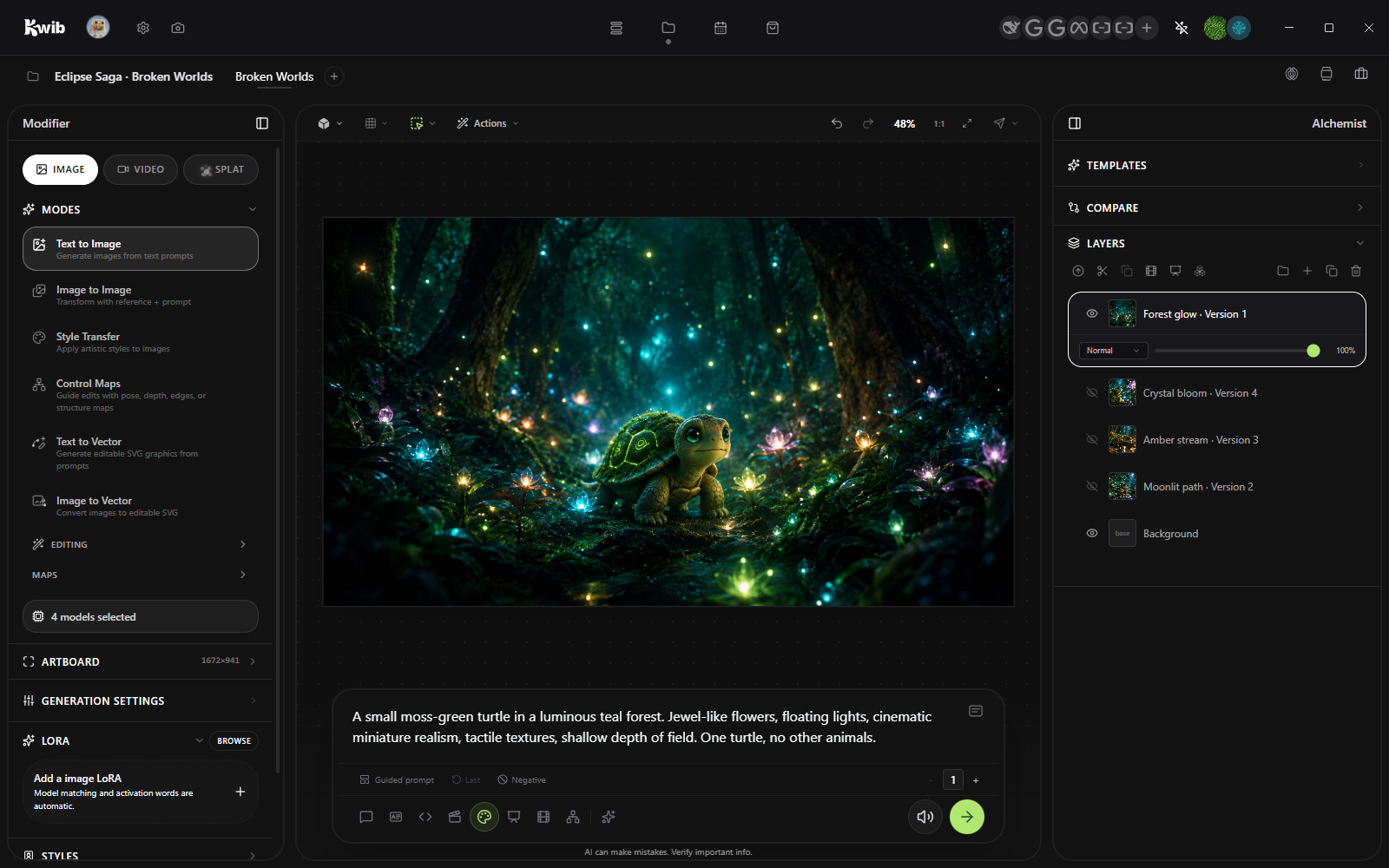
Studio

Create and edit your ideas locally. Expand how you use AI generation, from using a motion capture to show the world exactly how the scene should be. To create splats to control the 3D assets in the scene

Opening Studio

Loading this project and its tools.

ProjectLoading contextStudioOpening surface.memoryLoading decisions
Kwib Studio with four models selected, four turtle image layers, and the normal negative-prompt control
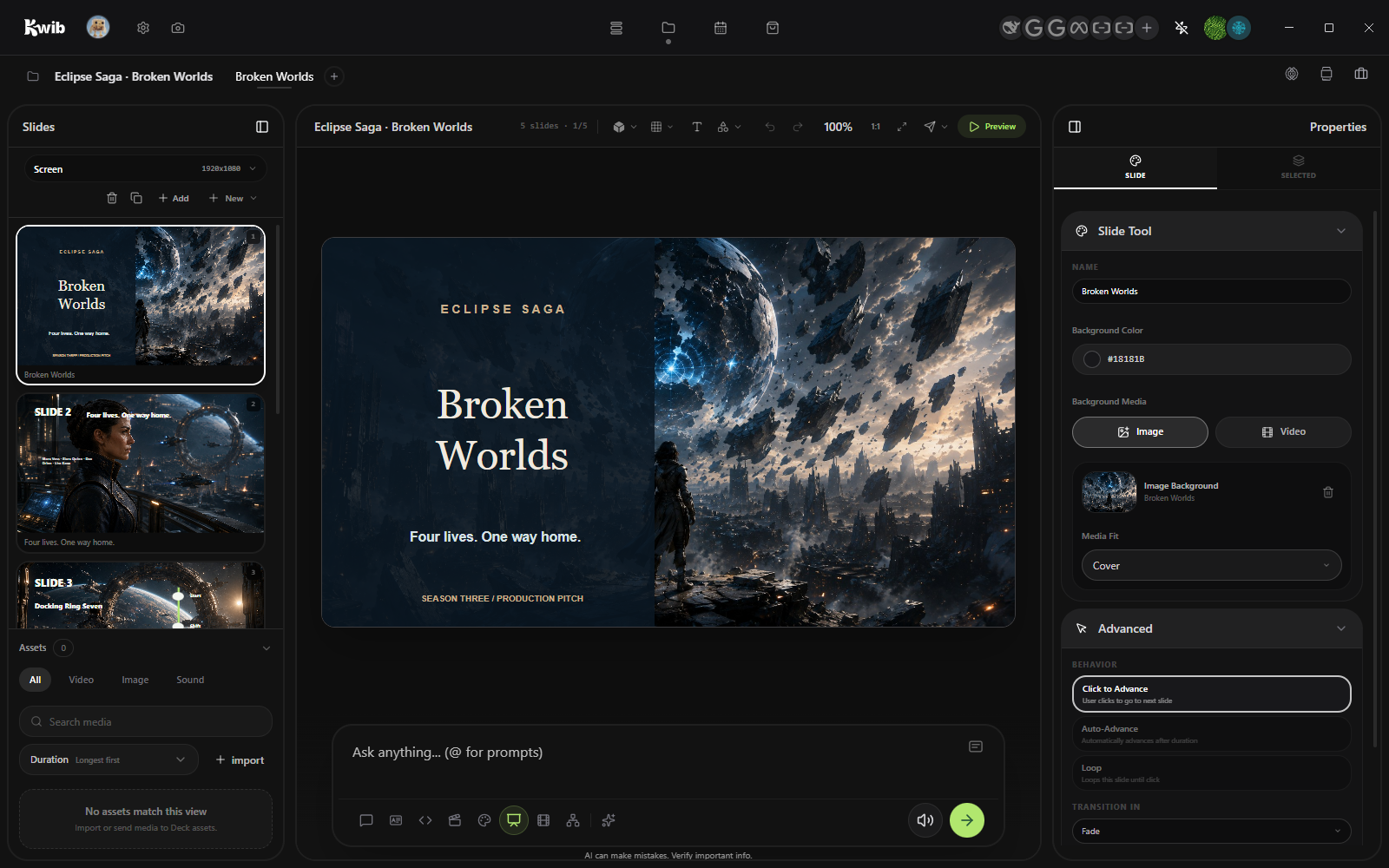
Deck

Start with the project’s real decisions and assets, then shape the pacing, layout, motion, and delivery yourself.

Explore everything in Deck ↗
Opening Deck

Loading this project and its tools.

ProjectLoading contextDeckOpening surface.memoryLoading decisions
Deck slide outline and project prompt for drafting the presentation
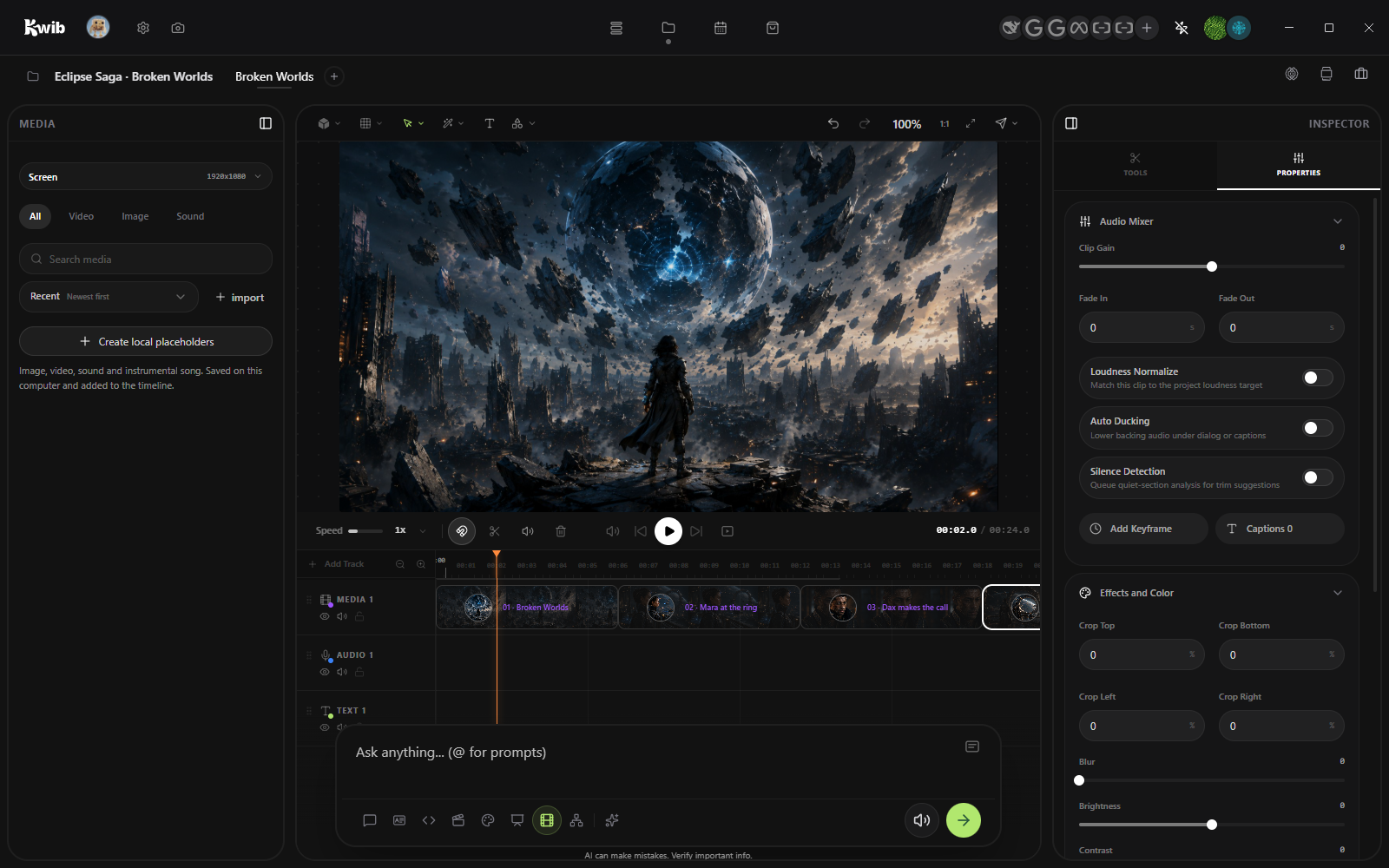
Editor

Build the film on one live timeline. Edit the story, create anything that is missing, and finish every version without breaking your flow.

Opening Editor

Loading this project and its tools.

ProjectLoading contextEditorOpening surface.memoryLoading decisions
Editor media creation and import controls with the project prompt
Node

Start from a useful template, describe a workflow in plain English, or build it node by node. Run locally, inspect the trace, then share it.

Opening Node

Loading this project and its tools.

ProjectLoading contextNodeOpening surface.memoryLoading decisions
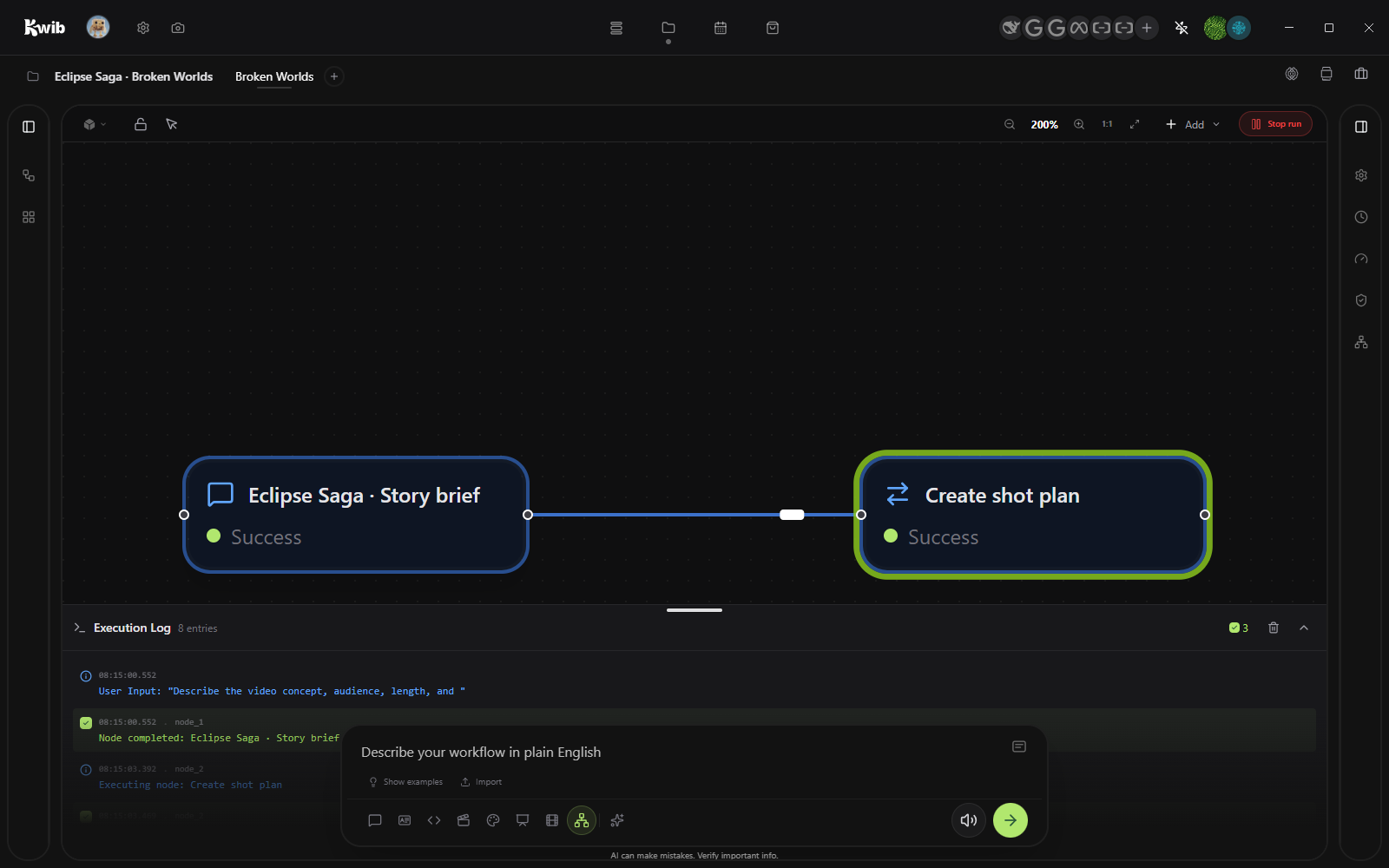
Node workflow canvas with the Add control and connected built-in nodes

Custom

Add a workflow to enhance current modes, or create your own to expand what Kwib can do.

Explore custom workflows
01

Add a workflow

Enhance the modes you already use with a reusable process tailored to the work.

02

Create your own

Build a custom mode with the tools, controls, models, and handoffs your process needs.

One project can:

No locked pipeline. Use the route the work needs.

01

Plan the story

Chat→Director→Deck

02

Build the product

Design System→Code→Node

03

Make the final cut

Director→Studio→Editor