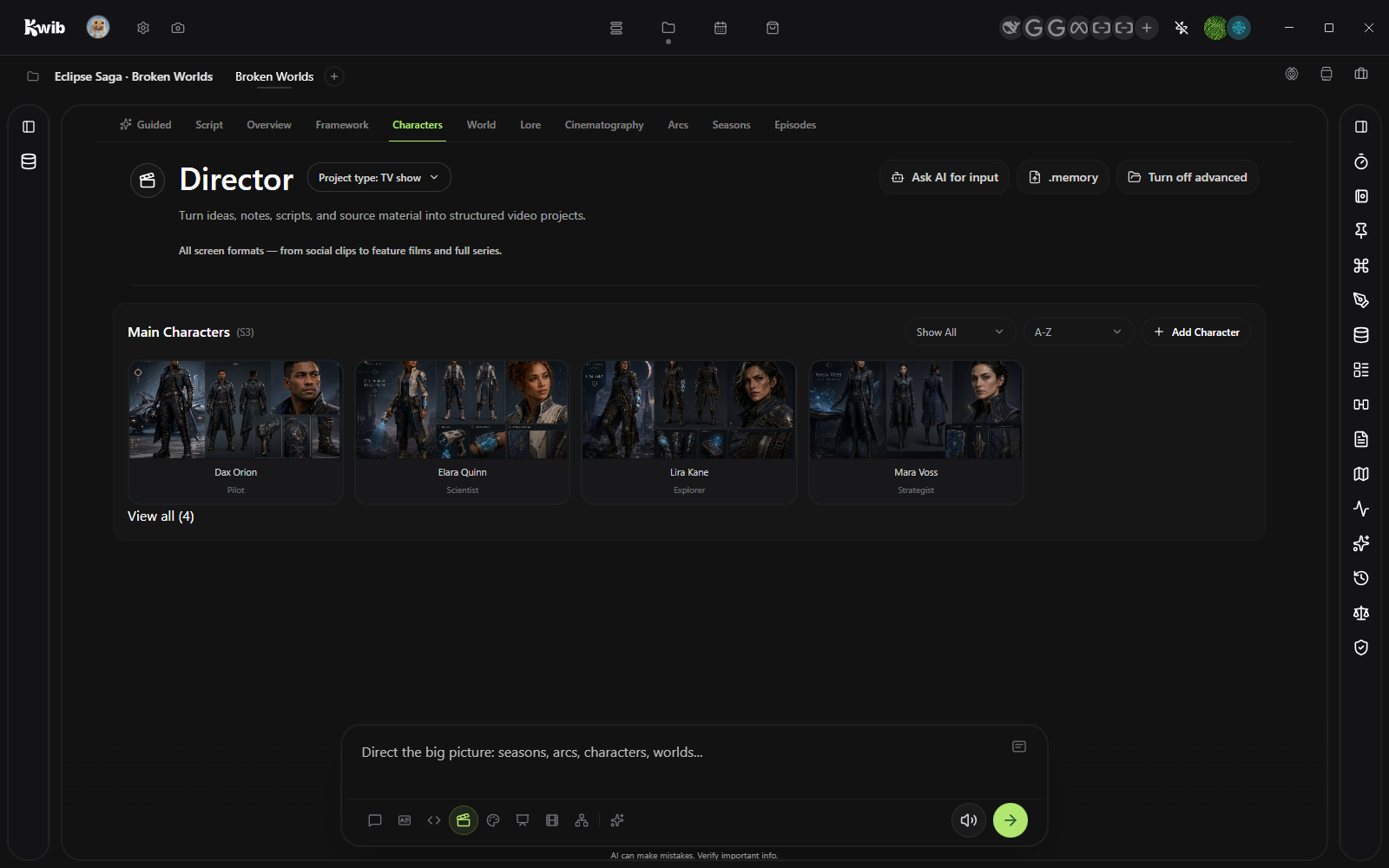
Director6 shots / Ready
Direct the whole sequence.
The system
The best AI tools are being built in the open. But new environments, scattered installs, and disconnected projects can keep all that possibility out of reach. Kwib brings it into one system built to evolve with AI.
Build a new AI feature, tool, or workflow that works inside Kwib.
Bring it to the Kwib Marketplace so anyone can add it with a simple install.
No new environment. No five-tool setup. Just one more capability in your workspace.
Kwib bridges builders and everyone ready to create. As AI grows, Kwib grows with it—a central nexus for new tools, new features, and entirely new workflows.
Explore the Marketplace →Kwib keeps sources, conversations, generated media, slides, and workflows together. Start with a sentence. Create a system you can keep shaping.
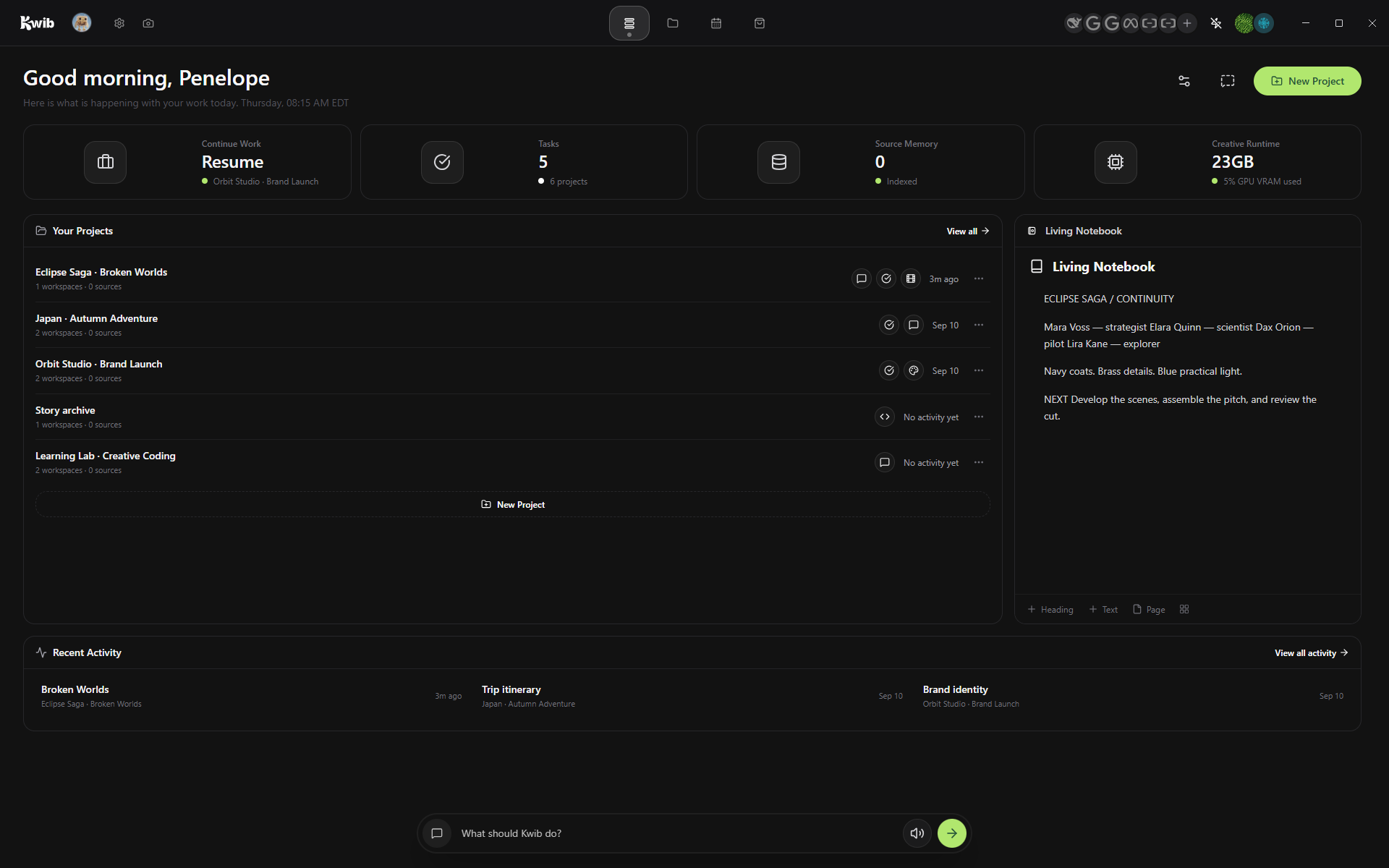
A project, already in motion
Kwib brings open tools and project context into one local-first workspace. Start with the modes you need, then add whatever the community builds next.
Four places / 01 of 04
See what is moving, resume recent work, and catch what needs attention.
Four places / 02 of 04
Keep every source, conversation, asset, and decision around the work. Make a project for all aspects of your life.
Modes / 01 of 08
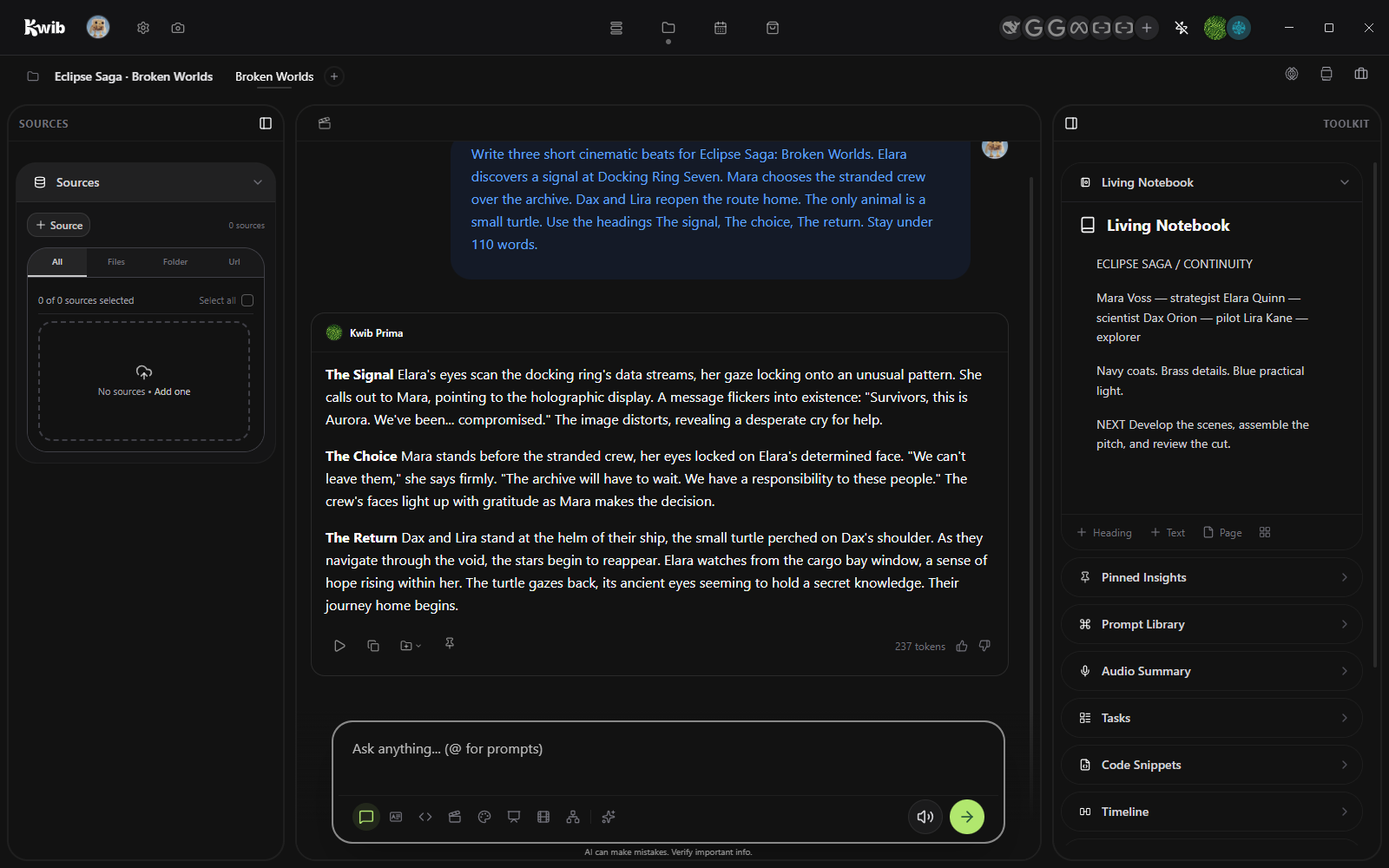
Think with the whole project in reach.
Modes / 02 of 08
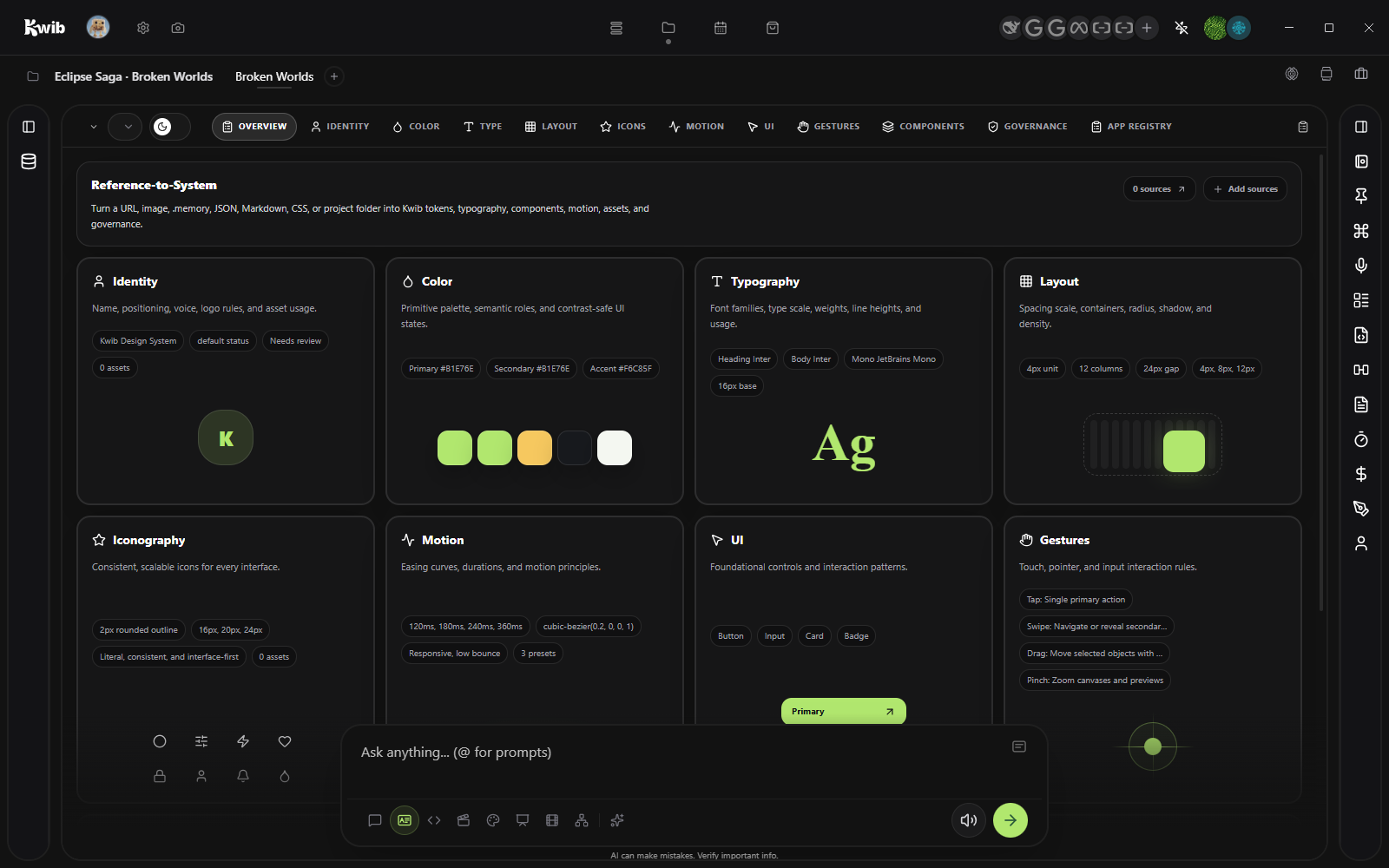
Define reusable type, color, spacing, components, and tokens. Create your design language once. Use it everywhere.
Modes / 03 of 08
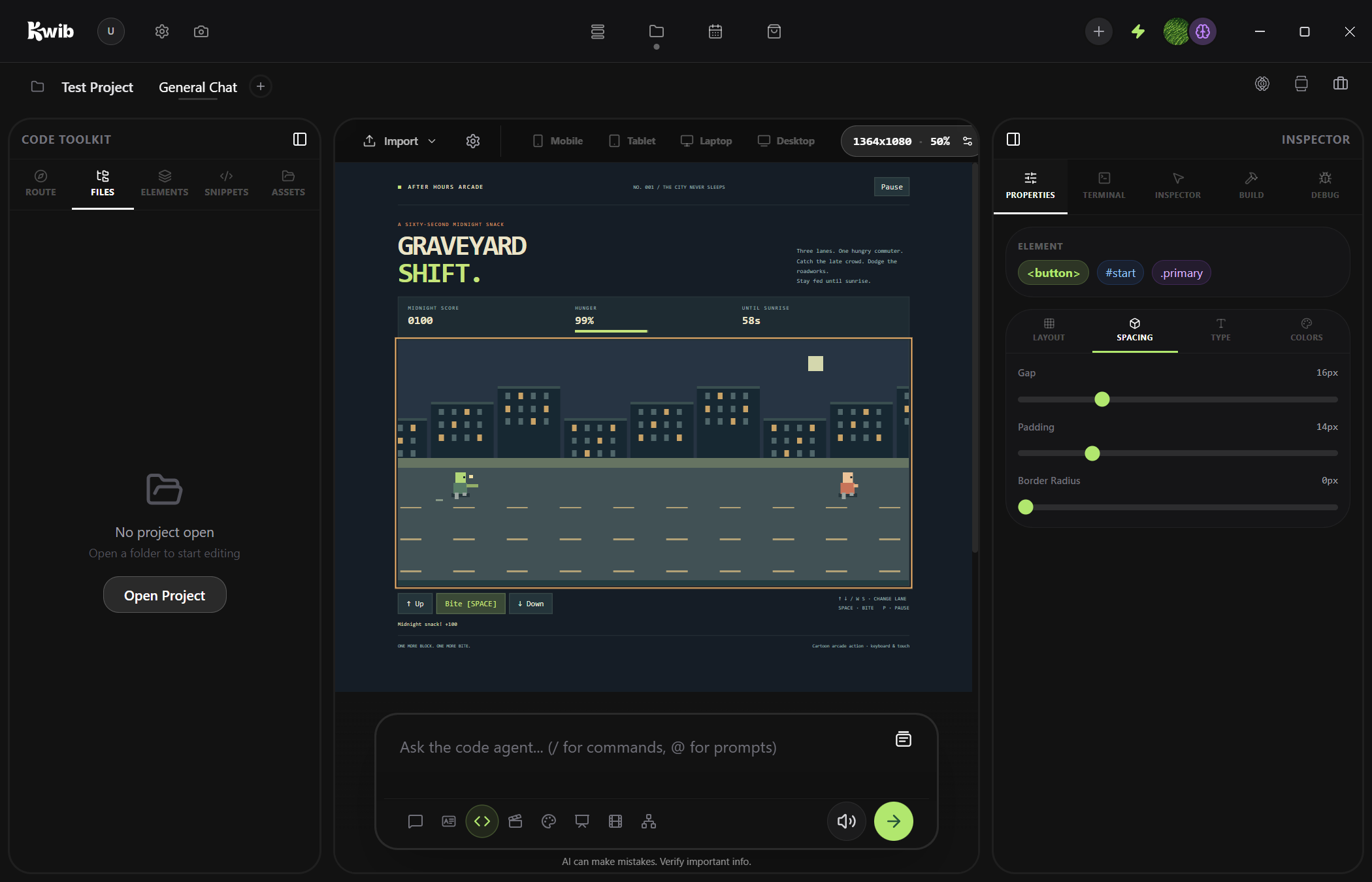
Plan, build, run, and inspect without losing the brief.
Modes / 04 of 08
Shape worlds, scenes, scripts, and continuity before production. Then start production in Studio and Editor.
Modes / 05 of 08
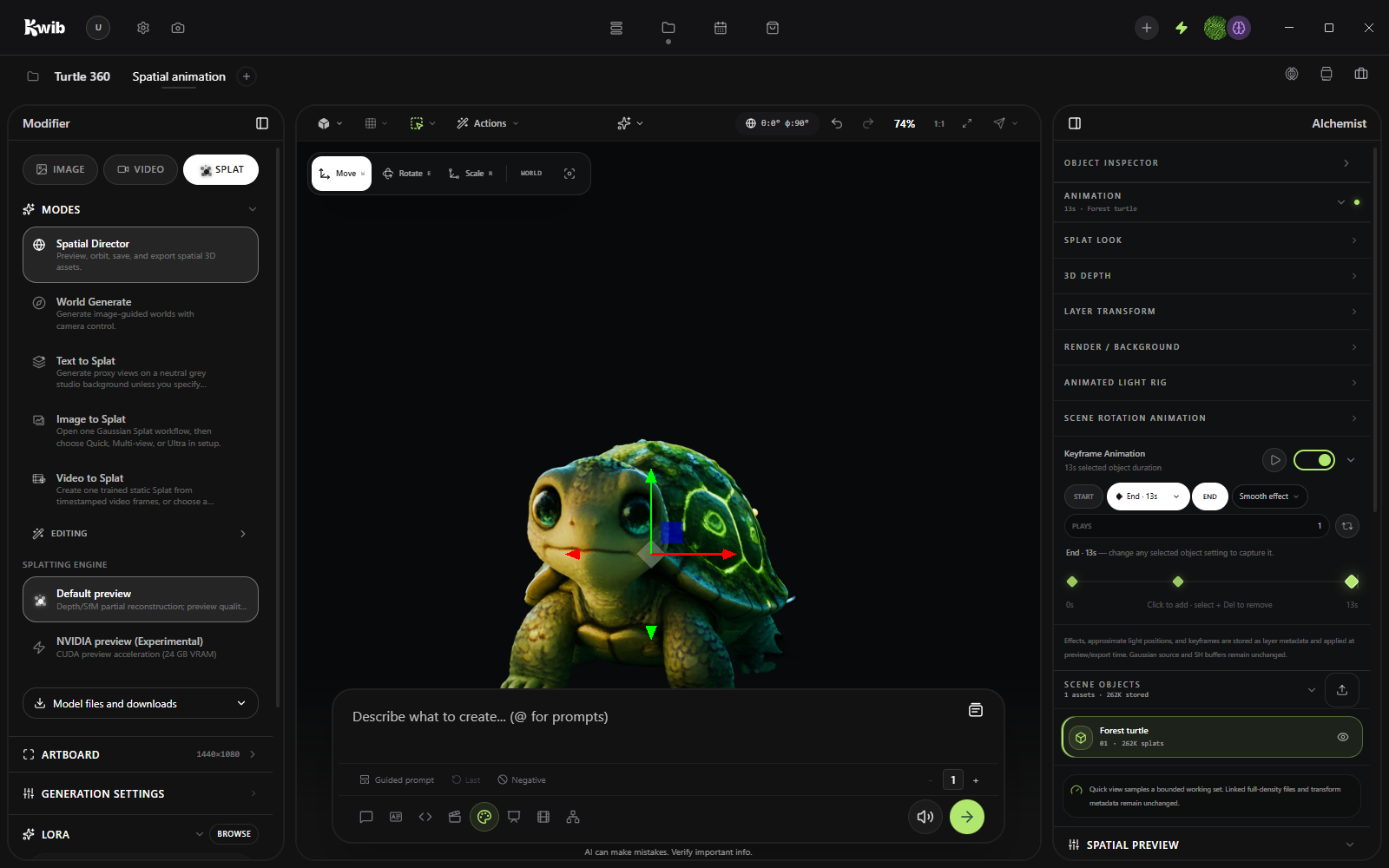
Generate, edit, compare, explore your creativity. Create images to cinematic videos and Gaussian splats that are immersive.
Modes / 06 of 08
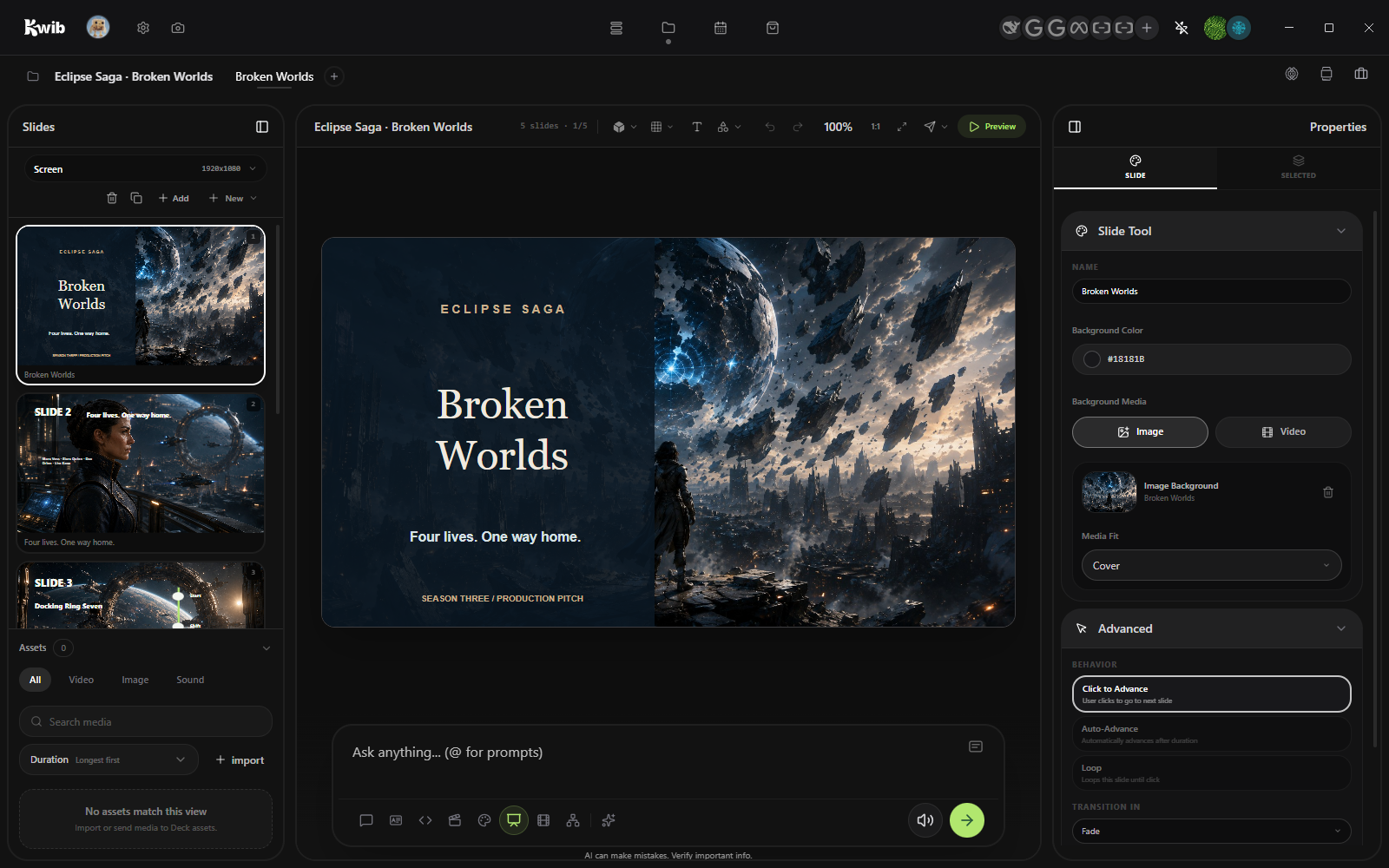
Turn project material into an editable presentation, shareable across platforms.
Modes / 07 of 08
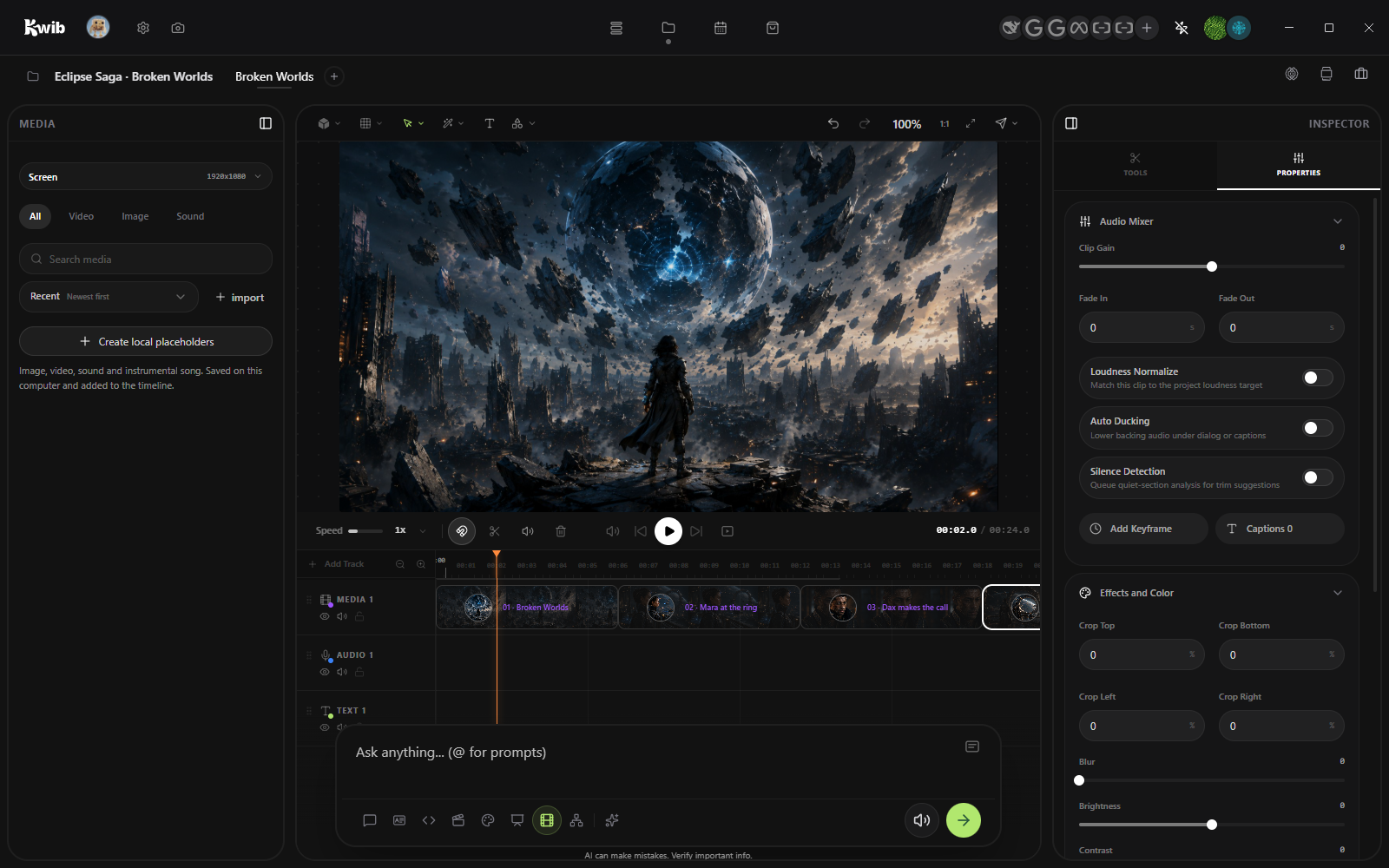
Assemble the final cut, generate audio and music, and create video transitions between scenes. Create your story your way.
Modes / 08 of 08
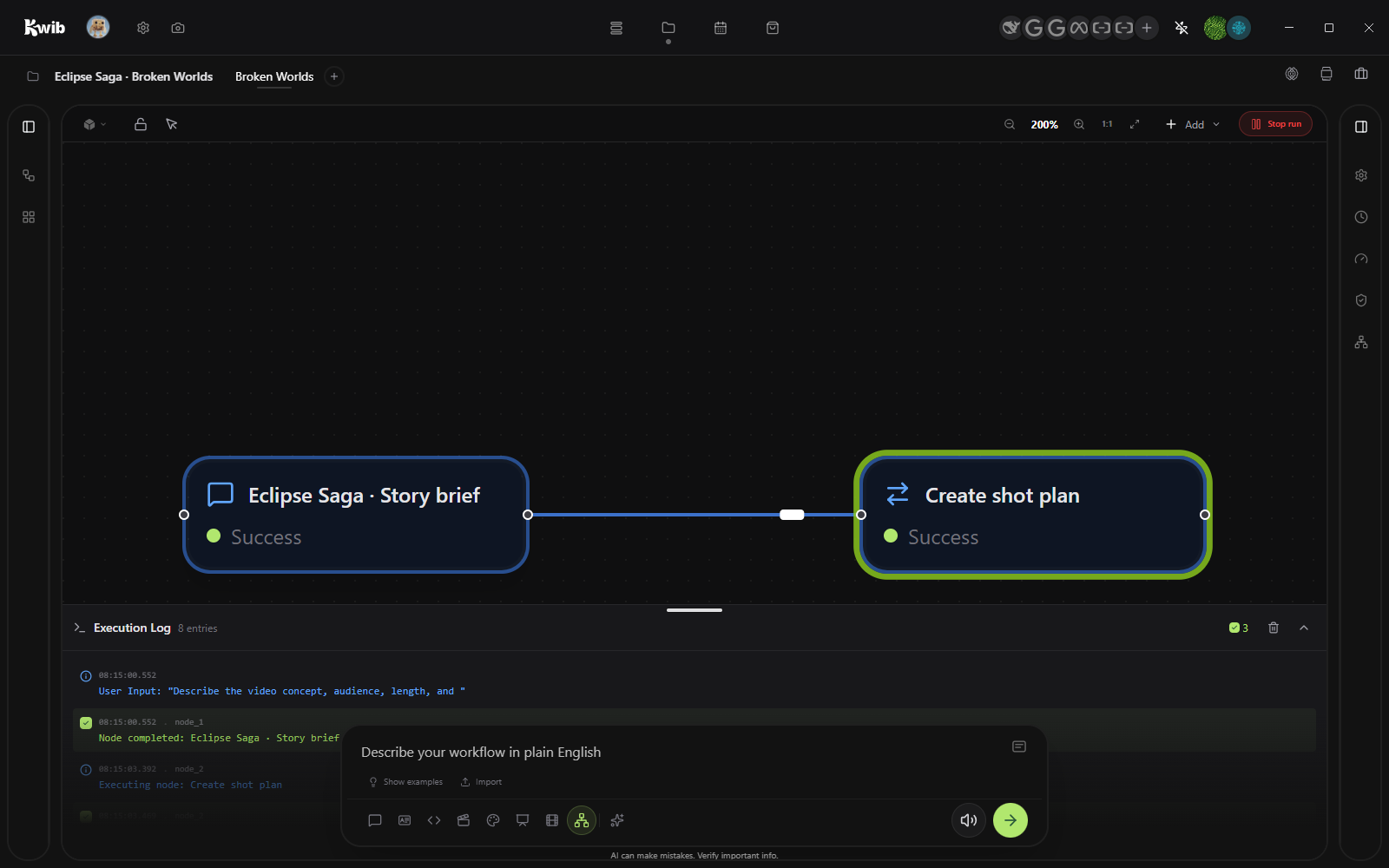
Make repeatable work visible, editable, and reusable. Make Kwib yours—create the workflows and features your work needs. Share what you want on marketplace.
At your side / 01 of 03
Recall useful context while keeping its scope visible and editable. Shape your work with context that matters.
At your side / 02 of 03
Save repeatable processes, run them again, and inspect every step.
At your side / 03 of 03
Decide exactly which tools, and modes every project and workspace can use.
Four places / 03 of 04
Run recurring local workflows, review every scheduled result, and capture today’s work from the Mini Daily desktop app.
Four places / 04 of 04
Explore what the community has to offer and extend kwib with new tools and capabilities
Intelligence controls / 01 of 03
Choose the models you want for global, per project or workspace.
Intelligence controls / 02 of 03
This is how Kwib will communicate with you in chat, organize sources and structure outputs.
Intelligence controls / 03 of 03
Move from direct control to coordinated parallel work when you need it.
Profile / Smart Pointer
Turn on Smart Pointer under Profile. Point to any control and ask Kwib “What does this do?” Or highlight something and ask Kwib to change it for you in the app.
Build your own / Workflows
Look for this workflow icon.Customize Kwib to fit your needs.
Build your own / Mode
Add new tools, controls, canvases, models, handoffs, and packages. Shape a workspace around the way you think and make Kwib yours.
Chat, Design System, Code, Director, Studio, Deck, Editor, and Nodes all work from the same project.